Audiobook creation
Audiobook creation is a workflow, not a giant text box.
Long-form narration needs chapter structure, voice choice, retries, review, export, and provenance. VoxNotch keeps narration runs attached to the project so an audiobook can be produced deliberately instead of scattered across prompts and downloads.
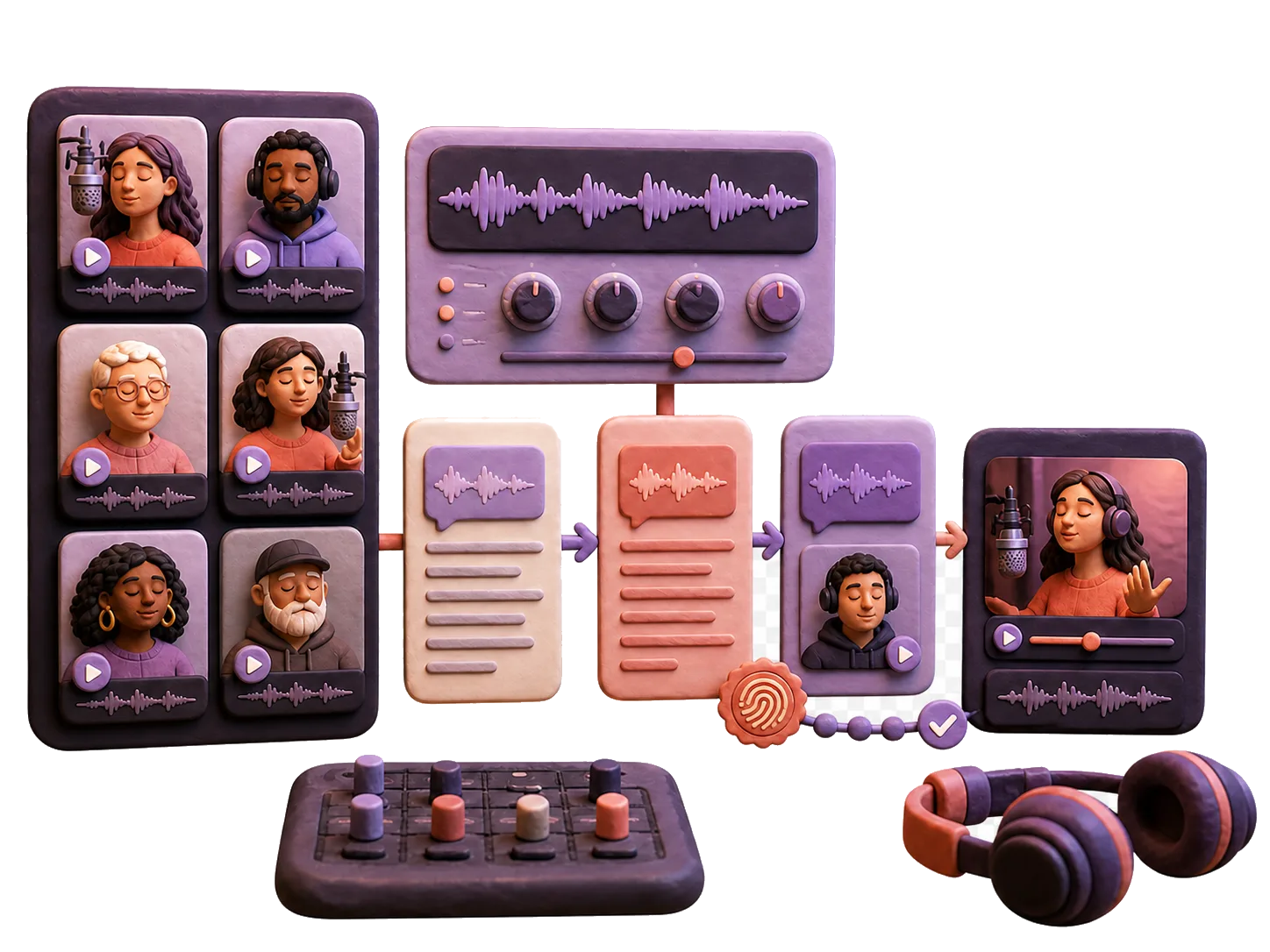
Audiobook creation with manuscript chapters, narrator voice, generated audio, and review queue.
Narration workflow
Make every chapter reviewable.
Prepare manuscript
Split long text into chapters and sections that can be retried without restarting the whole book.
Choose narrator
Select a voice deliberately and keep consent, provenance, and model boundaries visible.
Generate audio
Run batch narration and preserve output assets with the chapter that produced them.
Review and package
Check pacing, pronunciation, artifacts, and export shape before using the finished audio.
Audiobook creation questions
Can VoxNotch create audiobooks with local text-to-speech?
The workflow is designed for local TTS when the required engine and models are configured. Provider-backed voices are possible only as explicit egress choices.
Why not just paste a whole book into a TTS app?
Long-form audio needs retries, chapter boundaries, voice consistency, review history, exports, and custody controls. A single text box usually loses that structure.