How it works
What it actually does to your files.
Three stages, and every one of them runs in a container on your machine. This page names the parts rather than describing them, because a pipeline you cannot name is a pipeline you cannot audit.
- Best for
- Evaluating the workflow
- Transcription
- faster-whisper
- Word timing
- On by default
- Stack
- Postgres, Redis, workers
The pipeline
Capture. Understand. Produce.
A file enters at the top and never leaves the stack. Each stage hands the next one a row in your own Postgres and a blob in your own storage volume.
Capture
Record in the browser, upload a file, drop something into a watch folder, or POST it to the HTTP API. Whatever the route, the audio lands in your storage volume and a job goes onto the Redis queue.
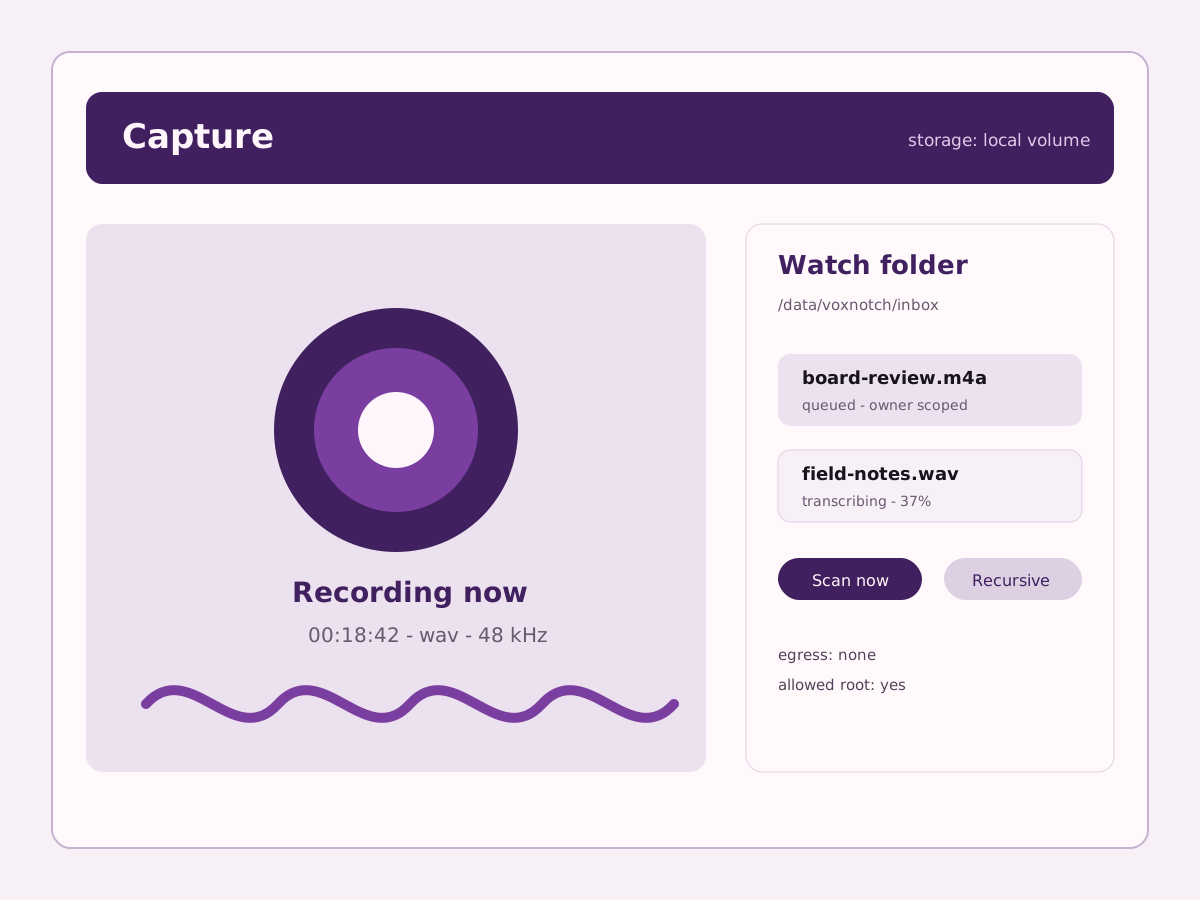
The capture screen recording, with a watch-folder import queued behind it. Decode
The worker decodes the media locally with ffmpeg. No format probing service, no upload step, no third party that gets to see the file in order to tell you its sample rate.
Transcribe
faster-whisper runs in the worker container with word-level timestamps on. The compose stack ships the base model and runs on CPU; you can raise it to large-v3 and point it at a GPU, and the trade is speed against accuracy on hardware you own.
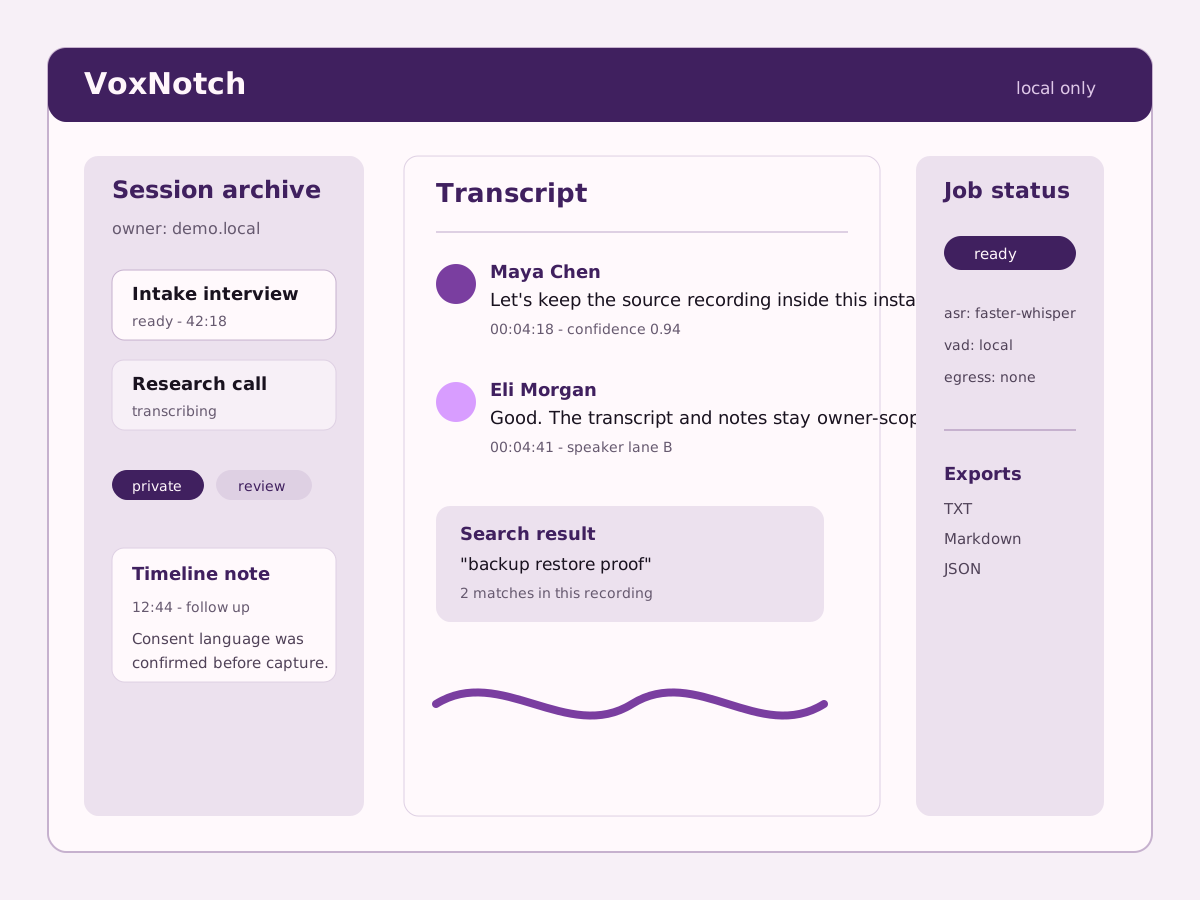
A transcript with speakers separated into lanes and a note pinned at the playhead. Understand
Speakers are separated and nameable, notes attach to an exact moment rather than to a document, and the whole library is searchable. Summaries and reports are a thing you ask for, not a thing that happens to your recording on arrival.
Produce
The same transcript drives the output: an episode mastered to a loudness target, an M4B with real chapter metadata, a vertical clip with word-timed captions, a translated and re-synthesized track.
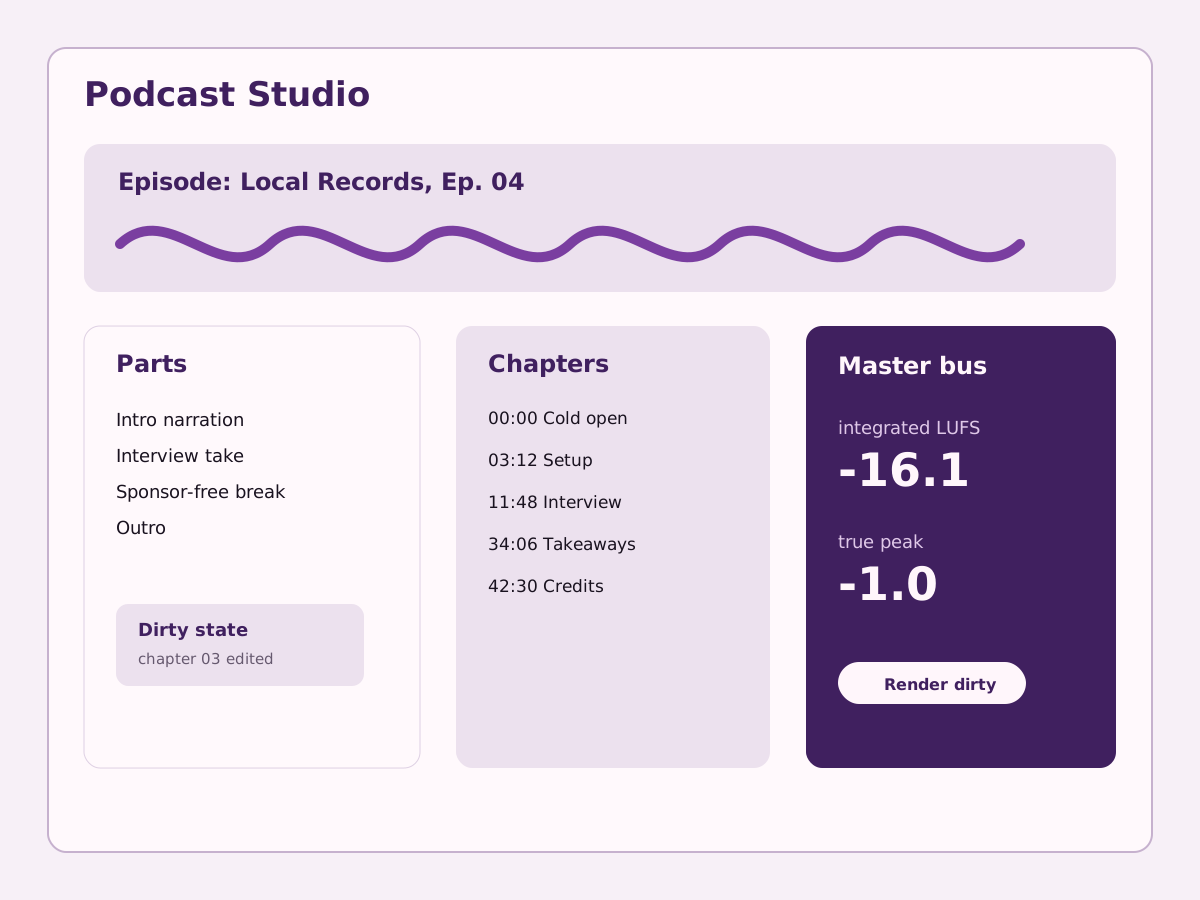
The podcast studio with a chapter list and the loudness readout on the master bus.
What runs where
Four containers and a volume.
The stack is small enough to hold in your head, which is the point. If you can name every process, you can reason about what each one can reach.
api
The FastAPI application. It serves the HTTP API and holds the perimeter: hosts, CORS, auth, and the admin plane.
Python 3.11. Behind Caddy in production; nothing else is published.
worker
Decodes, transcribes, renders, and masters. Everything slow happens here, off the request path, on an RQ queue backed by Redis.
Same image as the api, different entrypoint.
db
Postgres holds recordings, transcript lines, notes, jobs, voices, and every other tenant row. Row-level security is on, in FORCE mode, on every one of those tables.
postgres:16-alpine.
storage
A Docker volume on your disk by default. Point it at MinIO or S3 if you would rather, which is opt-in and is one of the few things that can put bytes on a network.
STORAGE_BACKEND=local unless you change it.
What comes out
It finishes the job, not just the transcript.
A transcript you then take somewhere else to finish is half a tool. These are the finished artifacts the same install produces.
Mastered episodes and chapter packages
Assemble an episode, mark chapters, and master to a stated target: the default podcast profile aims for −16 LUFS integrated with a −1.0 dBTP true-peak ceiling, in stereo. The package that comes out carries the audio, an FFMETADATA chapter file, a CSV chapter list, checksums, and a compliance report.
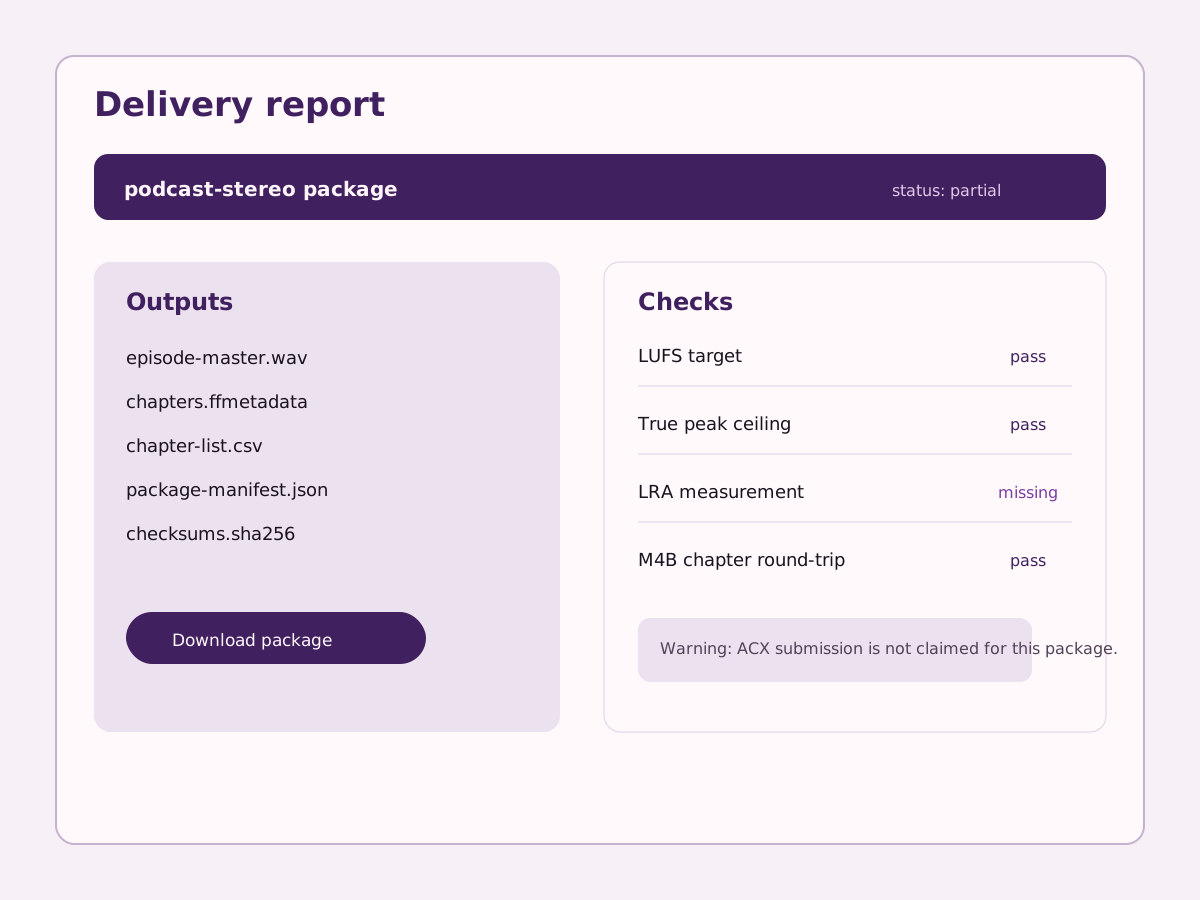
Captioned vertical video
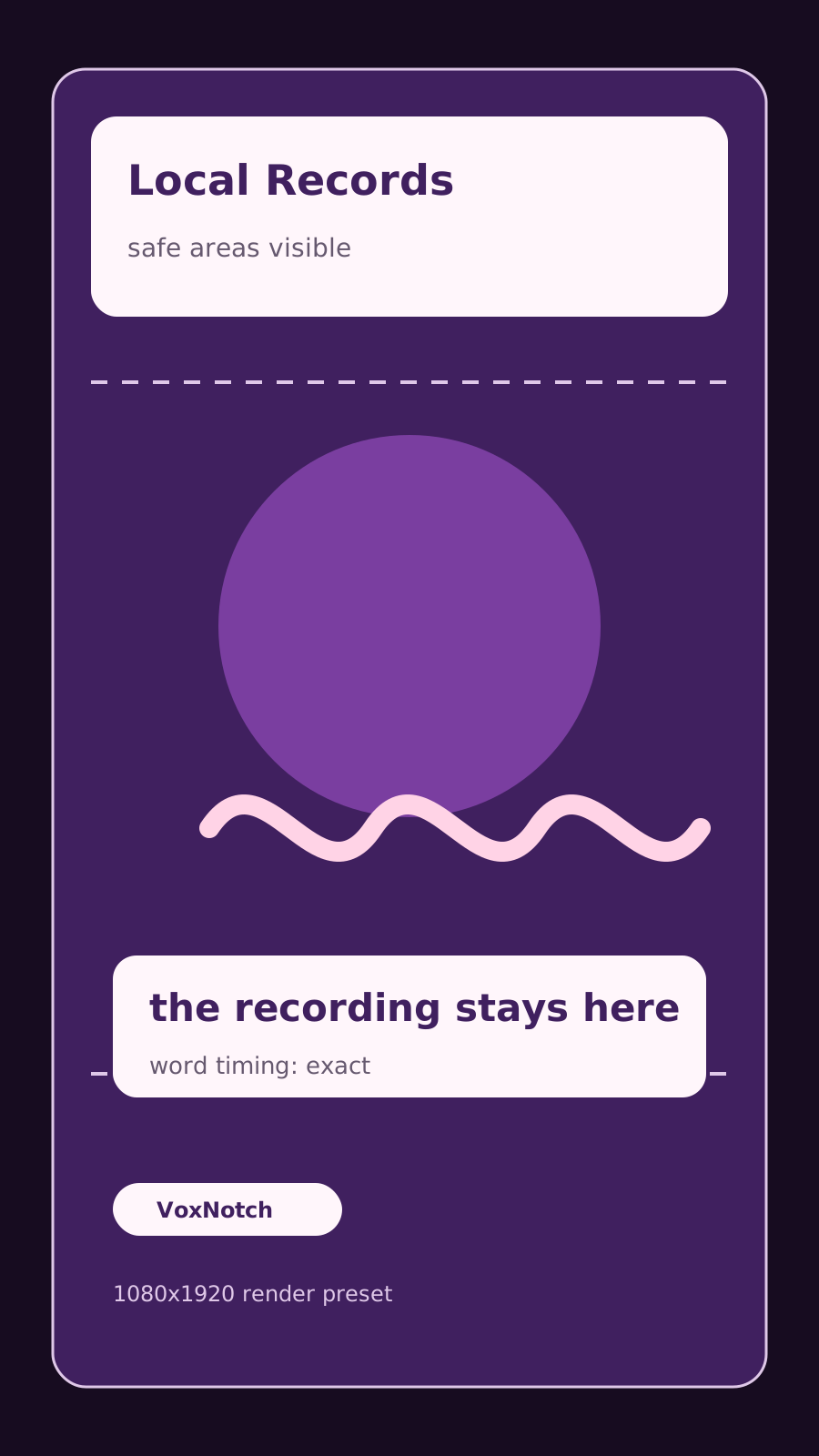
Pick a moment out of an hour and render it at 1080×1920, 1080×1080, or 1920×1080 with captions timed to the word. The word timings come from the same Whisper pass that produced the transcript, so they are not a second guess at the audio.
Synthesis, narration, and dubbing
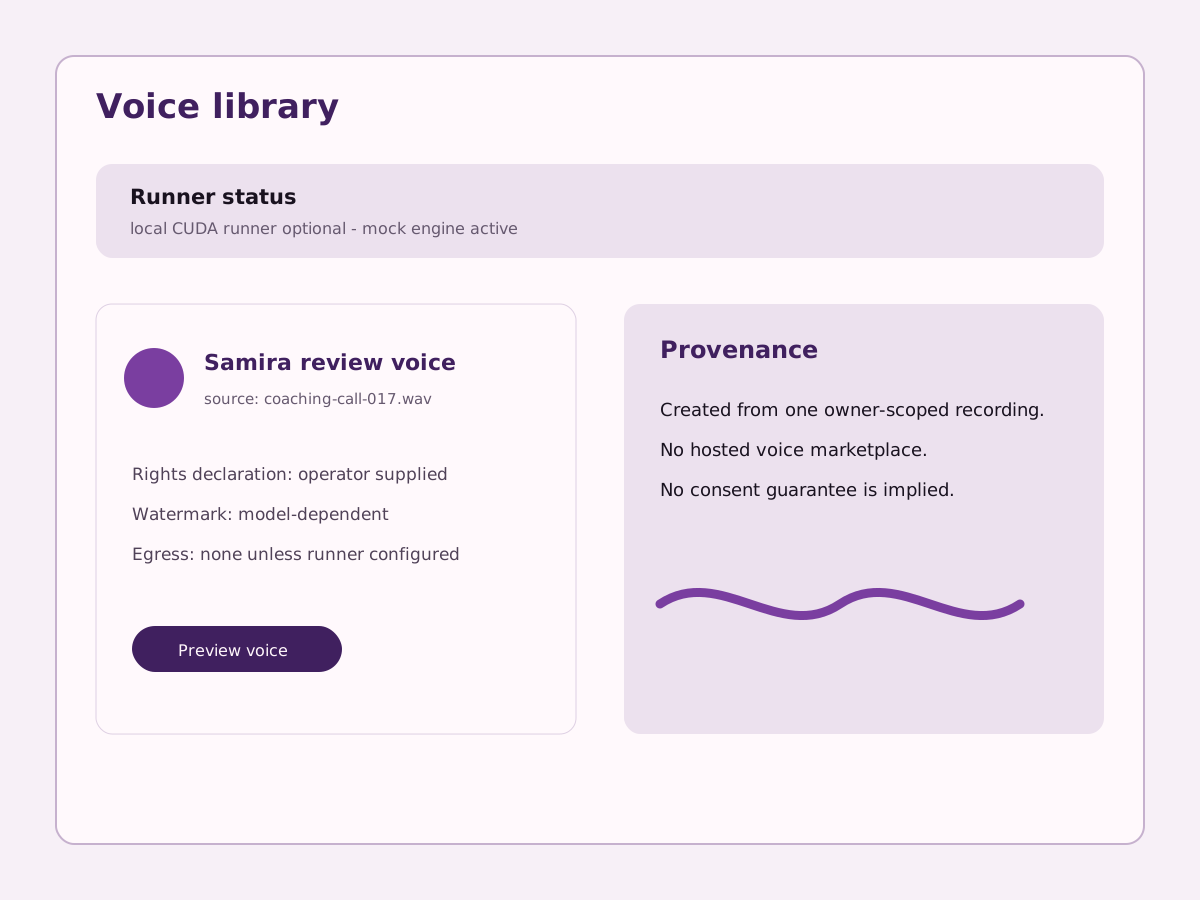
Read a manuscript in a chosen voice, narrate a chapter package, or translate a transcript and re-synthesize it in the target language. The voice models sit on your disk, and the ones that watermark their output say so.
Definition
What a no-cloud floor means here.
The language model is off by default — LLM_ENGINE=off on a fresh install — and every feature that would use one has a defined behaviour for when it is not there.
Summaries and action items fall back to a TF-IDF extractive pass over the transcript. Segment suggestions fall back to extractive candidates from the cue windows. Caption translation falls back to passthrough. The feature degrades to something worse and says so; it does not fail, and it does not quietly make a network call instead.
Honest limits
Where this pipeline is worse than a cloud one.
It is as fast as your box. A CPU-only install transcribing with a large model is slow, and no part of the design hides that from you.
It is not magic. Transcription quality is Whisper’s quality and synthesis quality is the model’s quality. What is different is where they run.
Real speech synthesis needs the optional TTS extra and a CUDA GPU. Without them the stack installs a mock engine that produces a tone, so you can exercise the pipeline without pretending you have synthesis.
Checked
- Model defaults, the LLM-off default, and the extractive fallbacks were read from backend/app/config.py, backend/app/services/llm/base.py, and backend/app/services/autosave.py on 2026-08-01.
- Loudness and true-peak targets are the podcast_stereo mastering preset in backend/app/services/podcast/episodes.py, checked the same day.
- Video dimensions are the aspect presets in backend/app/services/podcast/video.py.
Start with one recording.
The install is a clone and one script. The first transcript is the honest test of everything above.
git clone <repo> && cd web && ./scripts/launch/first-run.sh