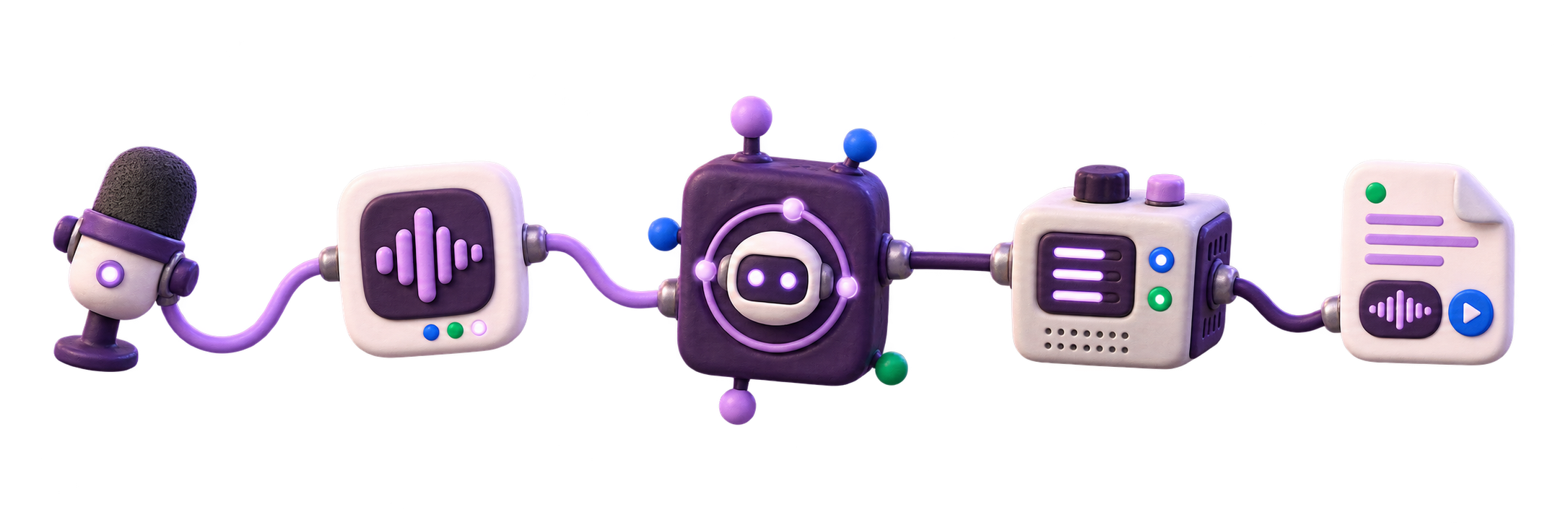
Watch-folder transcription
Drop audio into a folder. Let the local queue pick it up.
For recorders, shared drives, NAS workflows, and small automations where files already land on the machine that runs VoxNotch.
A local folder feeding queue, recipes, webhooks, and operator checks.
Who this is for
Automation before a full integration project.
A watch folder is the practical version of an integration: files arrive from a recorder, sync client, NAS share, or scripted copy, and VoxNotch turns the arrival into a transcription job.
It is most useful when the source system can already place files on the same server or mounted volume. If your source can only call an HTTP endpoint, use the upload API path instead.
The pipeline
Choose a folder, scan new files, notify the next step.
Choose the safe drop zone
VoxNotch only watches folders an operator has deliberately made available. If no folder has been approved, the app refuses to create a watcher instead of silently monitoring arbitrary paths.
Register the source
The folder must already exist on the server or mounted volume. Each user sees and manages their own watched folders, so one team member’s source does not become everyone’s source.
A watch-folder settings panel with an allowed local path and recent file count. Scan and ingest
New files enter the same pipeline as browser uploads: storage, transcription jobs, search, exports, and downstream notifications all stay consistent.
Notify downstream
Downstream tools can receive job updates such as queued, completed, and failed. Treat those updates as notifications and let your automations reconcile current job state through the API.
Operator setup
WATCH_ENABLED=true
WATCH_ALLOWED_ROOTS=/srv/voxnotch/dropbox,/mnt/recorder
The exact paths depend on your deployment. The important behavior is fail-closed: no approved folders means no watcher is created.
Recipe patterns
Three useful automation shapes.
Recorder dropbox
A field recorder, phone sync, or desktop script copies audio into an allowed folder after each session.
Use when the human workflow already ends with a file on disk.
NAS or shared-volume ingest
A mounted directory becomes the handoff point between an existing storage workflow and transcription.
Keep permissions boring: VoxNotch needs read access to the watched path and write access to its own storage volume.
Webhook handoff
When a job completes, a downstream service receives a notification and can fetch or reconcile state through the API.
Receivers should verify current state because webhook delivery is not the system of record.
Honest limits
What watch folders do not solve.
They do not watch your laptop from a hosted service. The path is local to the server or mounted into the deployment.
They do not bypass deployment configuration. The watched location must be chosen deliberately, and the directory must already exist.
They do not guarantee exactly-once business workflows. The ledger tracks seen files, but downstream systems should still reconcile by recording or job state.
Webhooks are notifications, not your only source of truth. A failed delivery must not be the only place your automation learns that work completed.
Start with one allowed drop folder.
Pick a folder under an allowed root, drop in one file, and confirm the job appears before you connect anything downstream.