Podcast production
From raw recording to a publishable episode.
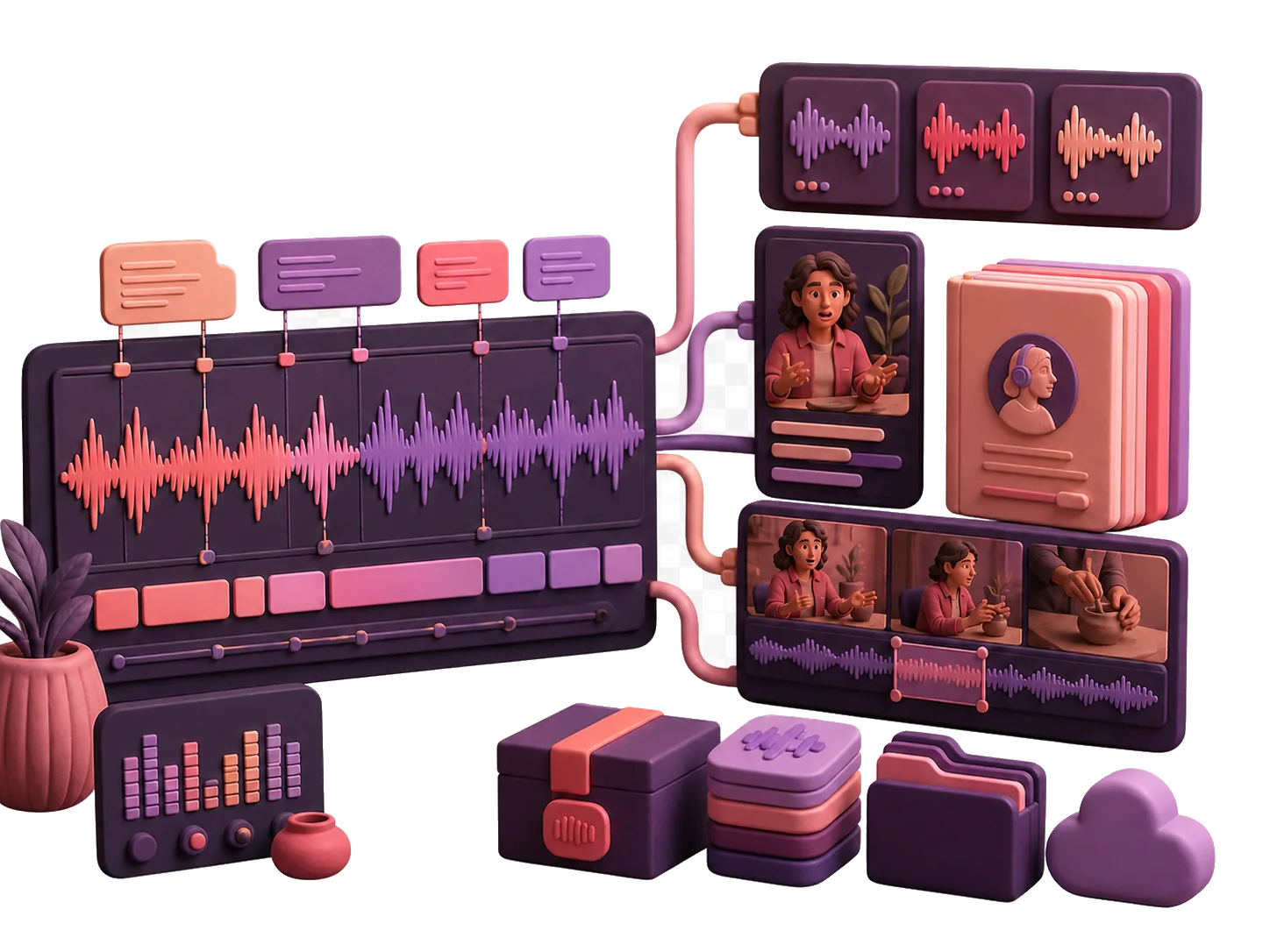
Chapters, mastering to real loudness and true-peak targets, and a delivery package at the end — not a transcript you then take somewhere else to finish.
Raw audio becoming chapters, mastered output, and delivery files.
Who this is for
People currently exporting between three tools.
Independent podcasters currently paying for an editor, a voice tool, and a studio, and exporting between all three.
The argument is not that any one of those does its job badly. It is that the seams between them are where your time goes, and that a stack you own has no seams and no monthly bill.
The pipeline
Record, assemble, master, package.
Record or import
Capture in the browser or bring in the tracks you recorded elsewhere. The transcript comes from the same pass that everything downstream uses.
Assemble
Build the episode out of parts: segments, intros, stings, and the interview itself. Edits are driven by the transcript, so cutting a sentence is cutting a sentence.
The episode assembly view with parts in order and a chapter marked. Master
Pick a delivery profile and the master is rendered to its target: loudness normalized to a stated integrated level, then a true-peak limiter with a stated ceiling.
Package
Export the delivery package. For the audiobook profiles that is a chapter archive or a portable M4B, with a manifest, checksums, and a compliance report in the same directory.
Mastering targets
The numbers, as the code has them.
These are the four mastering presets the delivery profiles select between. They are quoted from the source rather than described, because a rounded-off number here is worse than no number at all.
| Preset | Integrated target | True-peak ceiling | Channels | Sample rate |
|---|---|---|---|---|
| podcast_stereo (default)The 24 kHz render rate is lower than most delivery masters. It is quoted as shipped rather than as it ought to be, and it is being checked. | −16.0 LUFS | −1.0 dBTP | Stereo | 24 000 Hz |
| podcast_mono | −19.0 LUFS | −1.0 dBTP | Mono | 24 000 Hz |
| youtube_social | −14.0 LUFS | −1.0 dBTP | Stereo | 24 000 Hz |
| audiobook_mono | −20.0 LUFS | −3.5 dBTP | Mono | 44 100 Hz |
Read from the mastering presets in the podcast episode service on 2026-08-01. Integrated loudness is measured to ITU-R BS.1770; true peak is measured with 16× polyphase oversampling.
The limit on those numbers
Measurement can degrade, and the report says so when it does.
Integrated loudness is measured with a proper BS.1770 implementation when the measurement library is installed. When it is not, normalization falls back to RMS-based gain, which is not the same thing and will not hit the target as reliably.
True peak is the same shape of claim: measured with oversampling when available, and reported as sample peak when not. The delivery report carries a measurement-availability field for exactly this reason.
So the honest version of the claim is: the stack targets these numbers, measures them where it can, and tells you which measurement it actually managed.
Delivery
Five profiles, and what each one produces.
Podcast audio, and the audiobook masters
The default profile renders the episode master as WAV and MP3. The audiobook profiles render mono at 44.1 kHz to the −20 LUFS target, either as a single master or split per chapter.
ACX chapter delivery, checked against a written ruleset
The chapter profile checks the render against a versioned ACX ruleset: RMS between −23.0 and −18.0 dB, peak at or below −3.0 dBFS, noise floor at or below −60.0 dBFS, one to five seconds of room tone, 44.1 kHz, and MP3 at 192 kbps constant bitrate verified back with ffprobe after encoding.
Portable M4B, verified after it is built
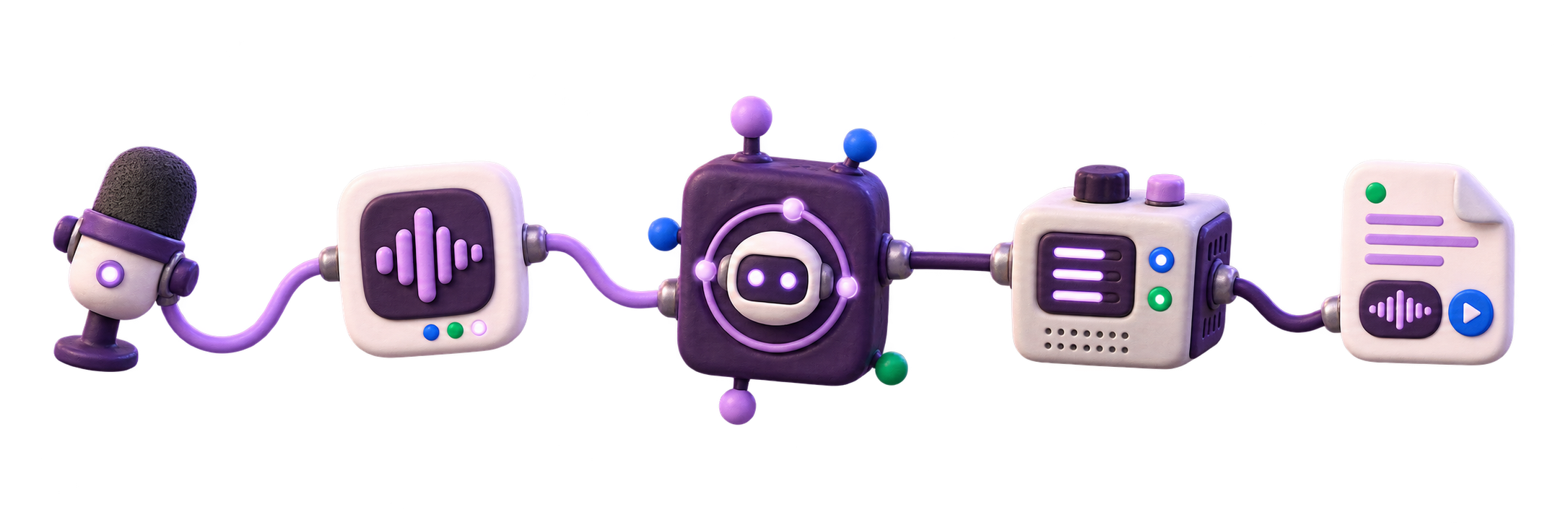
The M4B profile muxes the chapters into the container and then re-reads its own output: it checks that there is an AAC stream, that the chapters round-trip, and that the cover art is embedded. A build that cannot prove those three things fails instead of shipping.
Audiograms from the same episode
The video profile renders an audiogram at 1080×1920, 1080×1080, or 1920×1080 with a choice of visualizer, captions timed to the word, and platform safe areas for Shorts, Reels, and TikTok so nothing important sits under a UI overlay.
Podcast transcription questions
Does podcast transcription feed captions and clips?
Yes. The transcript timing can feed chapters, captions, clip selection, delivery reports, and exports from the same production record.
Is VoxNotch a hosted remote recording studio?
No. VoxNotch is for recordings you capture or import into your own instance. Use a remote studio when guest capture is the main job.
Honest limits
What the package is not.
The M4B is not an ACX submission format, and the archive says so in its own README. It is a portable listening file.
Loudness range is not measured. Integrated loudness and true peak are; LRA is not, so do not plan a workflow around it.
Real speech synthesis — for intros, corrections, or narration — needs a CUDA GPU and an optional extra. Without them the stack runs a mock engine that emits a tone. Mastering, chapters, and packaging do not need any of that.
Checked
- Delivery profiles, mastering targets, the ACX ruleset, and the package verification steps were read from the podcast services under web/backend/app/services/podcast/ on 2026-08-01.
- The ACX ruleset in the code carries its own version and verification date; the values above are that ruleset, not a general description of ACX.
- No number on this page was rounded, inferred, or taken from documentation rather than from code.
Master one episode and check the report.
The delivery report prints what it measured and what it could not. That is the fastest way to find out whether these numbers mean anything on your material.