Confidential session records
Sensitive recordings, useful without becoming someone else’s data.
For interviews, consultations, reviews, and other private sessions where the recording needs to become searchable but uploading it to a hosted transcription service is not acceptable.
Sensitive recordings organized into searchable private records.
Who this is for
People who need records, not surveillance.
This page is for teams and solo operators who need a usable record of a private conversation: intake sessions, advisory calls, research interviews, coaching notes, internal reviews, and similar work.
The product claim is deliberately narrow. VoxNotch can help you keep the audio and transcript on hardware you control. It does not decide whether recording was allowed, whether notice was sufficient, or whether your retention policy is correct.
The pipeline
Capture, transcribe, organize, export.
Capture or import
Record in the browser on the running instance, upload a file, or use an allowed watch folder for files that arrive from a recorder. The file lands in your storage volume before a transcription job is queued.
Transcribe locally
The stock transcription path runs faster-whisper on your hardware. Word timings and speaker separation make the transcript usable for review instead of leaving you with a flat text dump.
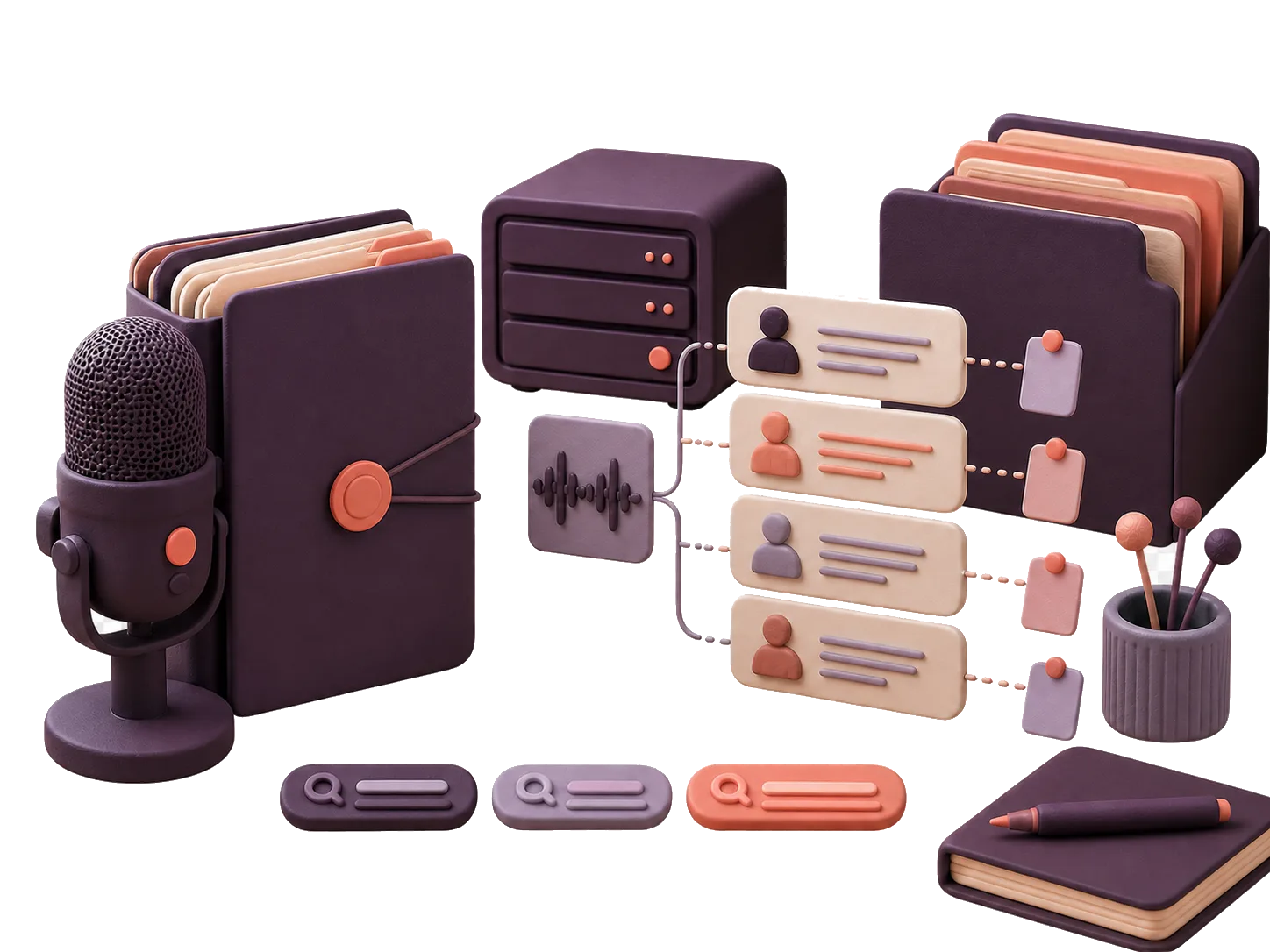
A session transcript in speaker lanes with a note anchored to the timeline. Organize the record
Use titles, tags, folders, and collections to keep related recordings together. Search can be narrowed by transcript content, title, tags, folder, archived state, date, note presence, and source.
Export the pieces
Export the transcript or caption sidecars per recording when you need to hand over a specific record. For large archive moves, plan on scripting against the API rather than relying on a single bulk-account export button.
Evaluation points
What exists in the product surface.
Per-user records
Recordings, transcript lines, notes, jobs, exports, collections, and related rows are designed around per-user access.
The privacy page explains the row-level security model and its boundary.
Searchable library
Library search covers titles and transcript content and can be filtered by tags, folders, dates, archive state, notes, and source.
That makes the record useful after the session without creating a second copy in another service.
Notes on the timeline
Notes attach to moments in the audio, so review work can move from a note back to the source passage.
The note is a pointer into the recording, not a disconnected summary.
Local-first defaults
The privacy-sensitive path does not require a hosted speech-to-text provider.
Optional language-model features should be evaluated separately from the local transcription path.
Honest limits
What this page is not claiming.
VoxNotch is not a compliance certification. This page does not claim HIPAA, attorney-client, evidentiary, SOC 2, or regulated-record suitability.
It does not verify consent or notice. Recording rules depend on where you are, who is present, and what kind of session it is.
It does not provide a compliance-grade access audit trail. Jobs and schema migrations are recorded, but that is not the same as a full read-access ledger.
Exports are per recording. Full-account archive and retention workflows should be planned around the API, backups, and your own policy.
Test with one session you would not upload.
Run a single recording through the local path, inspect the transcript, then decide whether the workflow matches your retention and review rules.